
OFFICE NETWORK INFRASTUCTURE

Office network infrastructure is the combination of physical hardware, software, and cabling that connects computers, users, and devices to each other and the internet.
Core Hardware Components
Modem or ONT: Connects your office to the by translating outside signals.
Router: Directs internet traffic between your local office network and the wider web.
Firewall: Blocks malicious threats and unauthorized external access at the network edge.
Switches: Connect wired computers, printers, and phones inside the office using Ethernet cables.
Wireless Access Points (WAPs): Broadcast Wi-Fi signals so laptops and mobile devices can connect without wires.
Structured Cabling: Physical Ethernet wires running through walls to connect to the network backbone.
HOME&OFFICE AUTOMATION
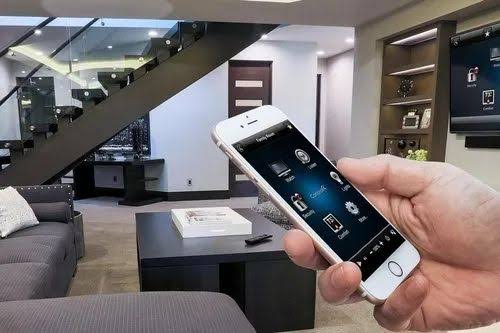
Home and office automation uses smart devices, sensors, and software to control lighting, climate, security, and appliances automatically or remotely
Home Automation
Smart Lighting: Adjust brightness or schedule lights to turn on and off based on sunset, sunrise, or room occupancy.
Climate Control: Automate air conditioners and heaters to maintain comfort while saving energy when rooms are empty.
Security & Safety: Monitor surveillance cameras, receive motion alerts, and use smart door locks or smoke detectors.
Office Automation
Digitized Workflows: Replace paper filing and manual data entry with digital document management and automated task triggers.
Work Mode Routines: Set one-tap scenes to adjust desk lighting, turn on monitors, and power down idle peripherals via smart plugs.
Access Control & Climate: Manage entry via smart badges and optimize HVAC systems based on daily workplace patterns to reduce energy waste.
CCTV
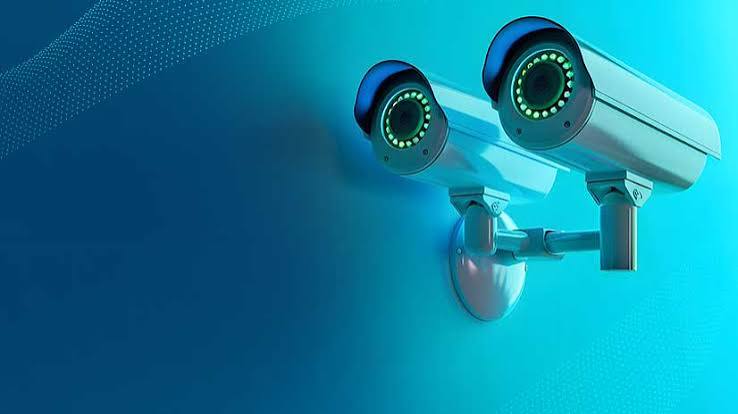
CCTV stands for closed-circuit television, a video surveillance system that transmits video signals from a camera to a specific, limited set of monitors rather than publicly broadcasting them.
How CCTV Works
Capture: The camera lens takes in light from the surrounding area and converts it into an electrical video signal using an image sensor
Transmission: Signals travel through coaxial cables (analogy systems) or network/Wi-Fi connections (digital IP systems) to a recorder.
Storage: Footage is saved onto a digital video recorder (DVR) or network video recorder (NVR) with a hard drive, or sent to secure cloud storage
Display: Authorized users view live or recorded video on connected monitors or mobile apps.